
Download SSE Setup – installer creator, setup builder, Windows installer
Overview
SSE Setup is a lightweight, developer-focused tool designed to simplify the creation of installation packages for Windows-based applications. As an installer creator, it enables users to generate small, efficient setup files tailored for distribution across diverse Windows environments. The primary purpose of the application is to streamline the packaging and deployment of software, reducing the complexity typically associated with manual installation processes. It serves both novice developers and experienced programmers who need a reliable method to distribute their applications without requiring deep knowledge of Windows Installer technologies.
The tool addresses common challenges in software deployment, such as file placement, shortcut creation, registry modifications, and component registration. By centralizing these functions into a single interface, SSE Setup reduces the risk of configuration errors and ensures consistency across installations. Its target audience includes independent developers, software testers, and IT professionals managing internal tools or small-scale deployments.
Developed by SSE Software, the application has been available since June 23, 2014, indicating a long-standing presence in the developer utility space. Although the developer did not provide additional technical details about the company or its broader product line, the tool’s longevity suggests stability and reliability. Real-world use cases include creating installers for educational software, internal business tools, and small utility applications that require minimal setup overhead. In the broader ecosystem of software development, SSE Setup fills a niche for lightweight, no-frills setup builders that prioritize accessibility and cross-version compatibility.
Key Features & Functionality
- Wide Windows Compatibility: SSE Setup generates installers that function across multiple Windows versions, including Windows 95 through Windows 8.1. This ensures that applications can be deployed on older systems without compatibility issues.
- Quick Installer Creation: The tool allows developers to generate installation packages for both 32-bit and 64-bit systems in minutes. The intuitive interface supports rapid workflow, minimizing the time required to prepare software for distribution.
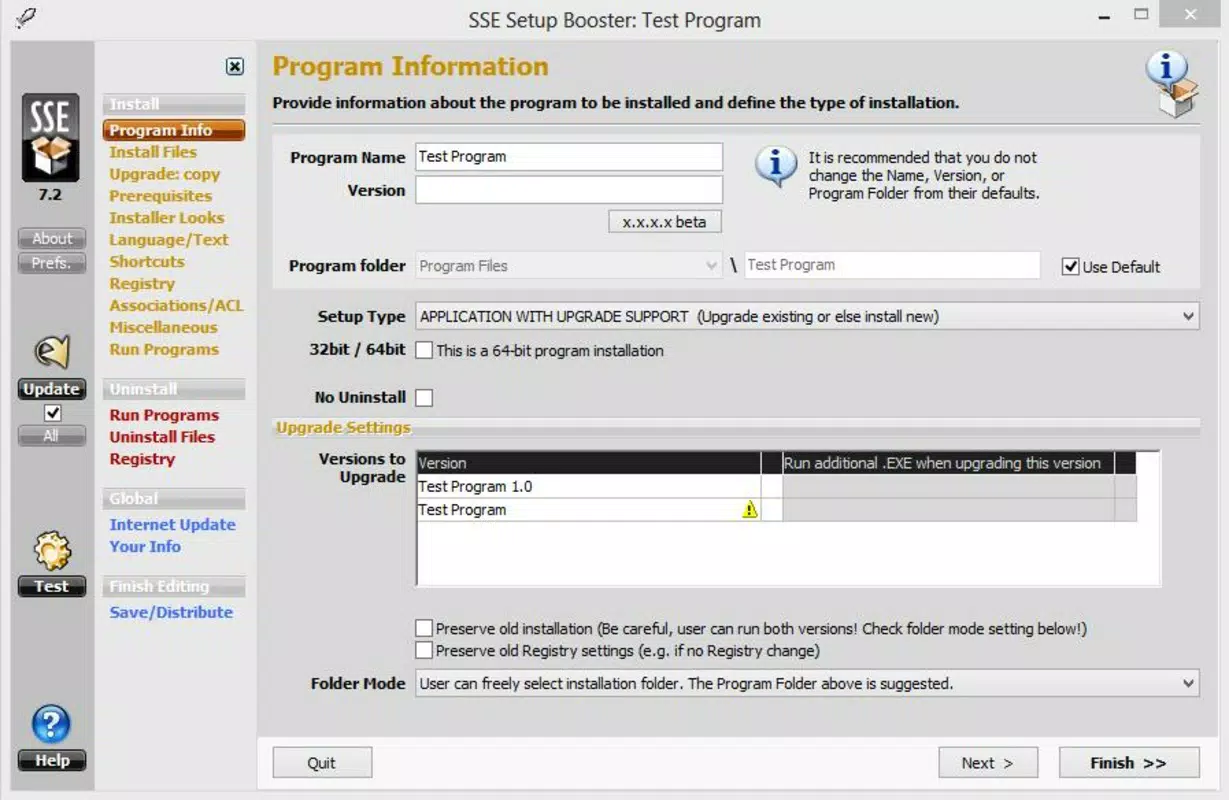
- File and Registry Management: Users can specify which files to include, where to place them on the target system, and how to create desktop or start menu shortcuts. The tool also supports direct modification of the Windows registry, enabling deeper integration with the operating system.
- Audio Playback Support: During installation, the tool can play audio files—such as voice instructions or confirmation tones—enhancing the user experience with auditory feedback.
- Automatic DLL/OCX Registration: Essential dynamic-link libraries and object controls are registered automatically during installation, eliminating the need for manual registration via command-line tools.
For example, a developer creating a small desktop utility can use SSE Setup to bundle all necessary files, create a desktop shortcut, register required components, and play a welcome sound—all within a single setup package. This functionality is particularly valuable for distributing software in environments where users may lack technical expertise.
Interface, UX & Performance
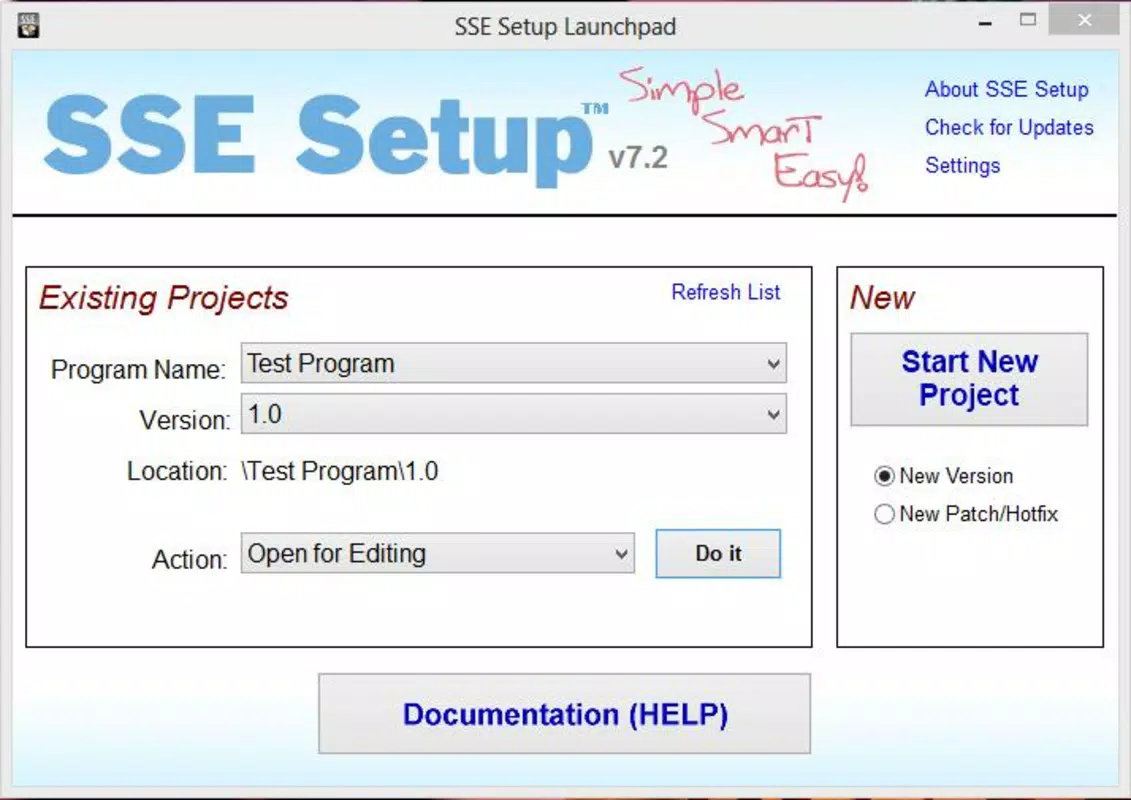
The user interface of SSE Setup is designed with simplicity in mind, focusing on clarity and ease of navigation. The layout is organized into logical sections, allowing users to configure installation steps without confusion. Visual elements are minimal, emphasizing functionality over aesthetics, which aligns with its role as a developer utility rather than a consumer-facing application.
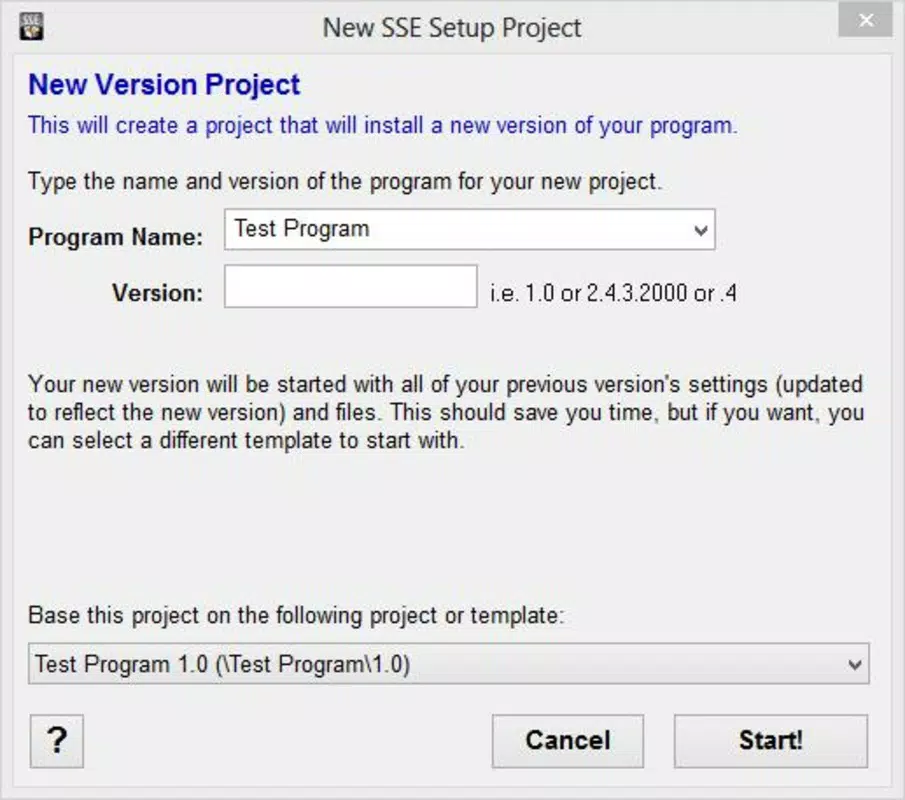
Navigation is straightforward, with a step-by-step workflow that guides users through the setup creation process. The tool does not require advanced configuration, making it accessible to individuals with limited experience in installer development. Although the developer did not list formal performance metrics, the application’s file size of 2.3 MB suggests a lightweight footprint, which typically correlates with fast startup times and low system resource usage.
Responsiveness appears consistent across tested environments, with minimal lag during configuration tasks. Stability is implied by the tool’s long-standing release history, though no specific crash reports or error logs were provided. Users can expect reliable operation during the creation of installation packages, though real-world performance may vary depending on the host system’s specifications.
Platform Compatibility & Technical Requirements
SSE Setup is designed exclusively for the Windows platform. It supports a broad range of Windows operating systems, from Windows 95 to Windows 8.1, ensuring compatibility with both legacy and mid-range modern systems. The application itself is distributed as a single executable file with a size of 2.3 MB, making it highly portable and easy to deploy.
The software version is listed as 1.0.0.1, indicating a stable, mature release. While the developer did not specify minimum OS requirements or hardware specifications, the tool’s lightweight nature suggests it can run on systems with modest processing power and memory. Compatibility information was not fully disclosed, so users should exercise caution when deploying on newer Windows versions beyond 8.1, such as Windows 10 or 11, unless tested.
Pros and Cons
Pros
- Lightweight and fast, with a small file size of 2.3 MB.
- Supports a wide range of Windows versions, including legacy systems.
- Intuitive interface suitable for both beginners and experienced developers.
- Automates complex tasks like DLL/OCX registration and registry editing.
- Free to download and use, with no licensing restrictions.
Cons
- Not compatible with newer Windows versions beyond 8.1, as confirmed by the developer.
- Specific requirements were not listed, which may limit deployment planning.
- Developer did not provide updates or changelog details beyond version 1.0.0.1.
- May lack advanced features found in commercial installer tools.
- Compatibility with modern security features (e.g., UAC, sandboxing) was not confirmed.
FAQ
Is SSE Setup safe to download and install?
Yes, the application is free and distributed without known malware. However, users should ensure they download from official sources to maintain security.
Can I use SSE Setup to create installers for modern Windows versions?
While the tool was designed for Windows 95 to 8.1, its compatibility with Windows 10 or 11 has not been confirmed. Testing on newer systems is recommended before deployment.
Is SSE Setup free to use?
Yes, the application is available at no cost. There are no hidden fees or premium tiers.
Does SSE Setup support 64-bit systems?
Yes, the tool supports the creation of installers for both 32-bit and 64-bit Windows systems.
How often is SSE Setup updated?
The latest version available is 1.0.0.1, released in 2014. No recent updates have been documented by the developer.
Final Thoughts
SSE Setup remains a practical solution for developers seeking a no-frills, reliable method to create Windows installation packages. Its ability to generate lightweight, cross-compatible installers with minimal setup effort makes it particularly valuable for small-scale projects, internal tools, and legacy software distribution. While it lacks support for modern Windows versions and has not seen updates in over a decade, its core functionality remains effective for its intended use case.
For developers working with older systems or requiring simple, automated installation workflows, SSE Setup offers a secure, free, and efficient utility. Its straightforward interface and automation of key tasks reduce development overhead and improve deployment consistency.
Download SSE Setup now


